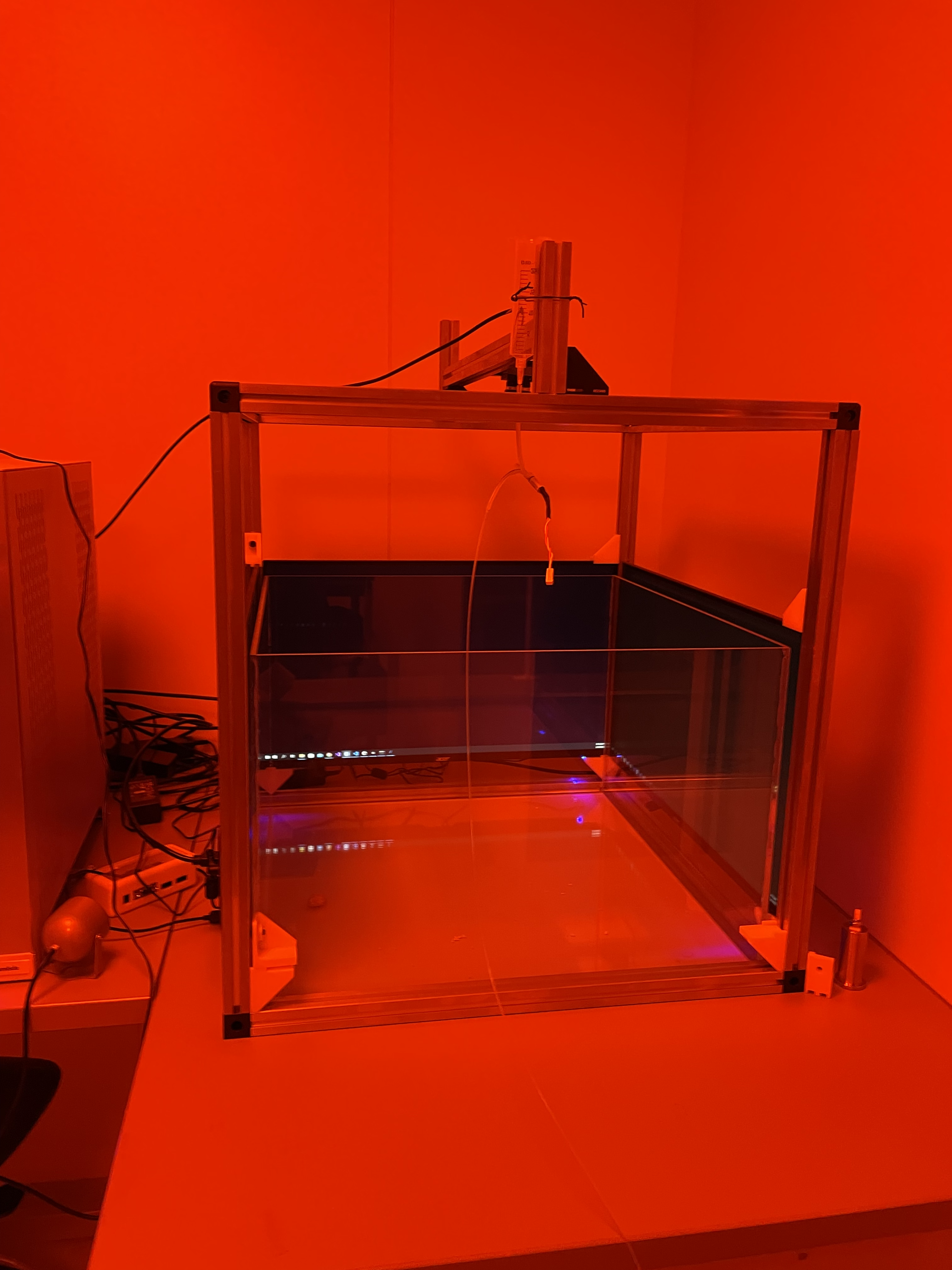
Build the cage & mount monitors and cameras#
The outside cage design can be found here Note: two of the monitors have been removed so that you can see the transparent box in the middle of the cage.
To build the cage you will want to cut the thor labs optical rails down to size and then thread them with an imperial thread drill.
Here are the sizes that you will need to cut:
4 x 540mm cage floor pieces
4 x 540mm cage top pieces
4 x 550mm cage vertical pieces
1 x 540mm cross bar for camera mounting
2 x 200mm pieces which which will go either side of the cross bar
Additional parts that you will need to build the cage:
5 x Right-Angle Bracket for 25 mm Rails (4 + 1 for the camera)
A pack of Drop-In T-Nut, 1/4”-20 Tapped Hole
A pack of 1/4”-20 Low-Profile Channel Screw, 5/8” Long, 50 Pack
At least one Imaging source cameras (DMK 37BUX28) + 3.5mm EFL, F1/4 1/2” lens with usb cable
Building the cage#
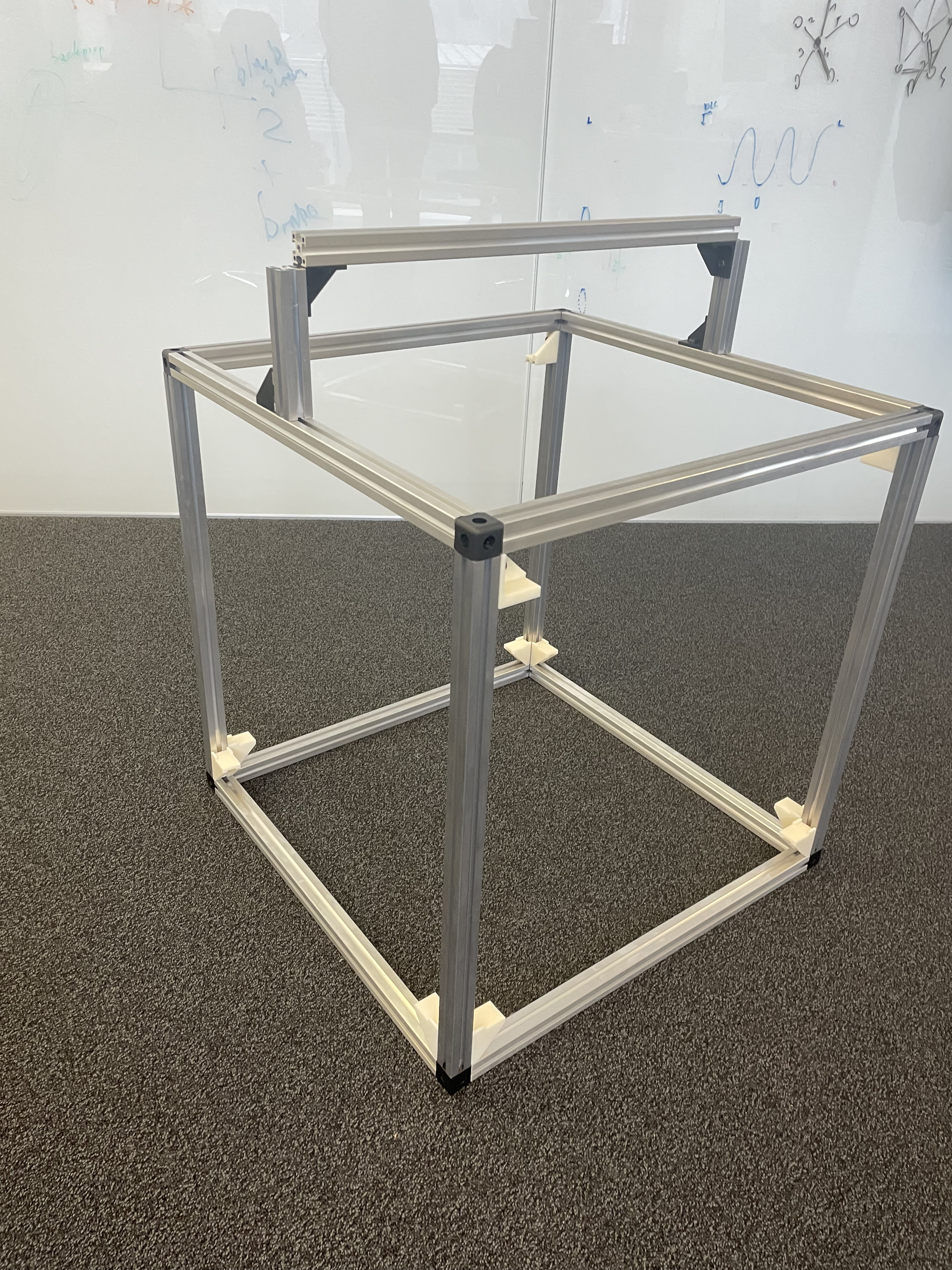
Attach the 4 cage floor pieces together in a square using the corner cubes and screw them into place. Then add the vertical cage pieces to these cubes such that they form the side breams of the cage, projecting upwards.
Once this structure is made you can then attach the monitor mounts to the cage by placing a Drop-In T-Nut and screw through the monitor mounts. These can then be slotted into the vertical optical rail pieces. Each monitor should have 1 bottom monitor & box holder (i.e. the ones with the big pieces of plastic as wings), 1 bottom monitor holder and 2 top monitor holders.
It is helpful to place the transparent plastic box inside this cage first and then build the top of the cage using the top rails and corner cubes. Screw these all into place.
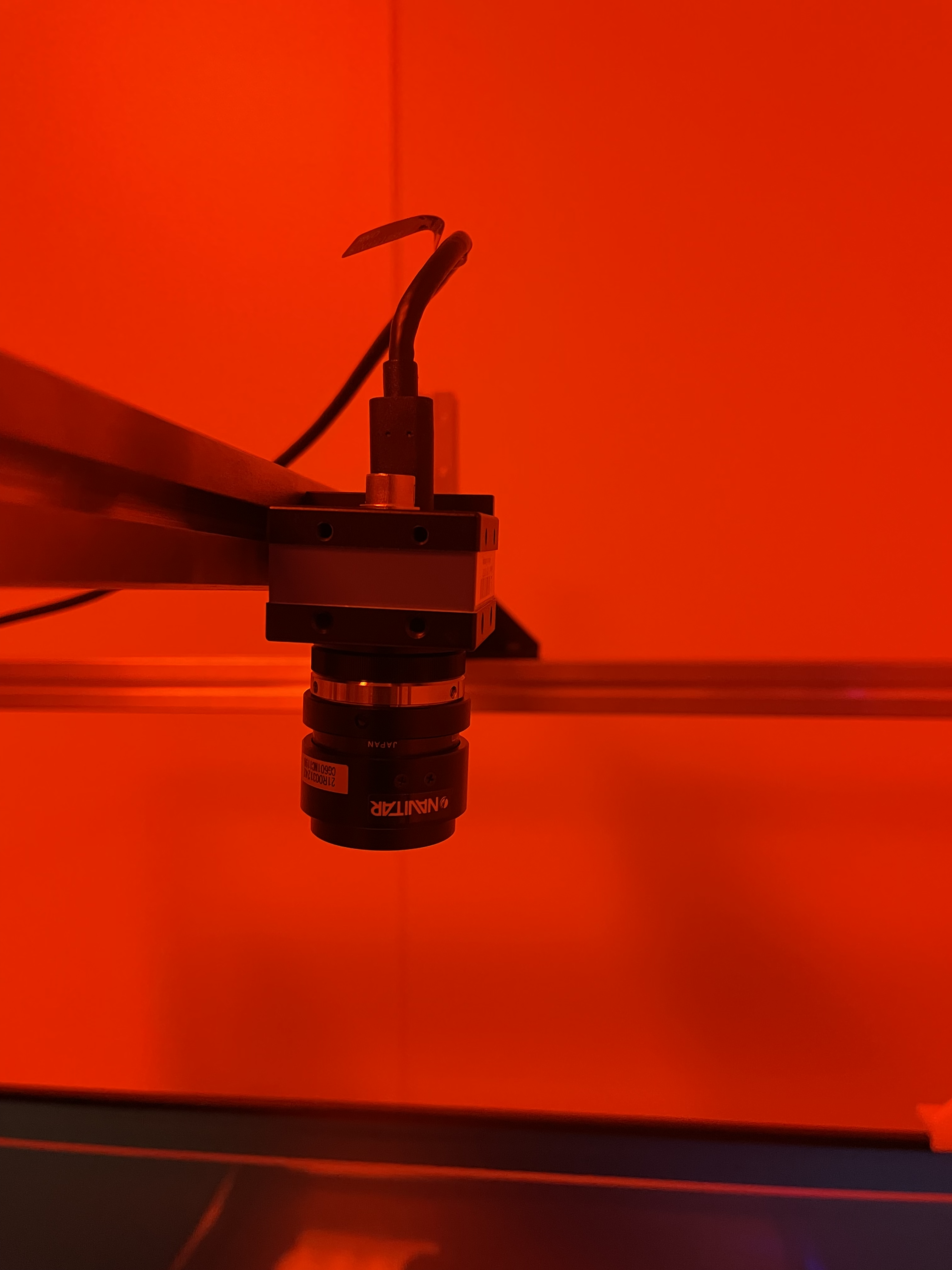
The cross bar for mounting can then be added by fixing the two pieces to hold the cross beam using two right angled brackets. The cross beam can then be mounted between these pieces with two additional right-angle brackets. The camera can then be mounted in the middle of this beam using a right-angle bracket and a drop-in T-nut.
The computer monitors can then be mounted on the 3D printed holders by placing each on the bottom monitor holders and then adjusting the top monitor holders so that the monitor sits within the plastic groves. Tighten these screws so that the monitors are held securely.